Give as a gift
Give a moment that lasts.
You set it up. The people who love them leave video messages, voice notes, and photos. Then you hand them something they'll press play on for years.
Moment Sent™
Send a moment back.
When someone leaves you a message, you can send one right back — a video thank-you, a voice note, a few written words. A handwritten card takes a week. A moment sent takes a minute.
Perfect for
What are you giving for?
Ever After
Weddings
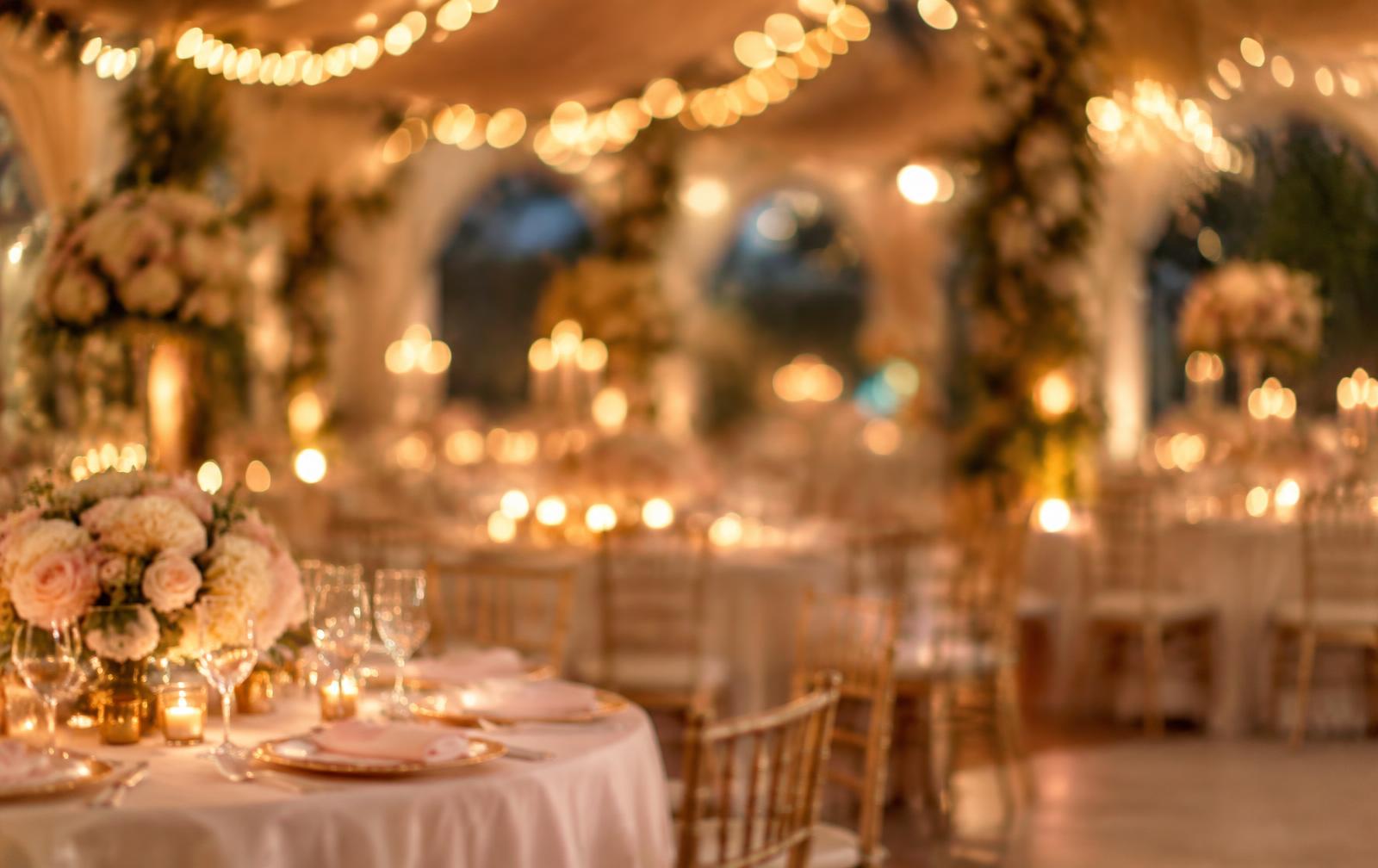
Set up the keepsake before the wedding. Display the QR code at the reception or set up an iPad kiosk so every guest records a message right there. The couple opens it after the honeymoon, and comes back to it on their first anniversary.
Try it before you sign up
See how it feels — leave a memory.
A quick taste of what your guests see on the iPad at your keepsake table: choose a video, voice, photo or written message. The real guest page also asks for their name and email and offers guided prompts. No account, no upload here; everything stays on your device.

You're invited to leave a message
Maya & James
Their wedding · A sample celebration
Share a video, a voice note, a photo or a few written words. It takes about a minute.
Scan to leave a message for the newlyweds
Open your phone camera
No app needed
Moment Saved
Guests tap to begin on your tablet, or scan the QR sign with their phone — no app needed either way.
Want the complete guest journey with prompts and thank-you replies? Try the full interactive demo →
How gifting works
Four steps. Under two minutes.
Step 1
Choose a keepsake size and pay once
Pick the size that fits — an intimate circle or a full crowd. One payment. Nothing renews on its own. Your gift includes the first year of hosting. After that, they can keep it live for $10/year or download everything free.
Step 2
Set up their keepsake in minutes
Add their name, the occasion, and a note to guests. We generate a private link, a QR code, and a kiosk mode for iPad — ready to share immediately.
Step 3
Invite everyone who loves them
Share the link before the event, display the QR code on arrival, or set up an iPad kiosk at the celebration so guests record messages right in the moment. No app. No account. No friction for anyone.
Step 4
Give it to them
At the party, after the ceremony, or on a quiet evening at home — share their keepsake link whenever you're ready. Watch their face when they press play.
Choose a size
Starts at $25. Four sizes to fit the moment.
From an intimate circle to a full crowd — pick the size that fits.
Private by default. Easy to share when it matters.
Every video, voice note, photo, and written memory is downloadable in its original format — always. The keepsake belongs to them, not to us.